Changing Notification Settings
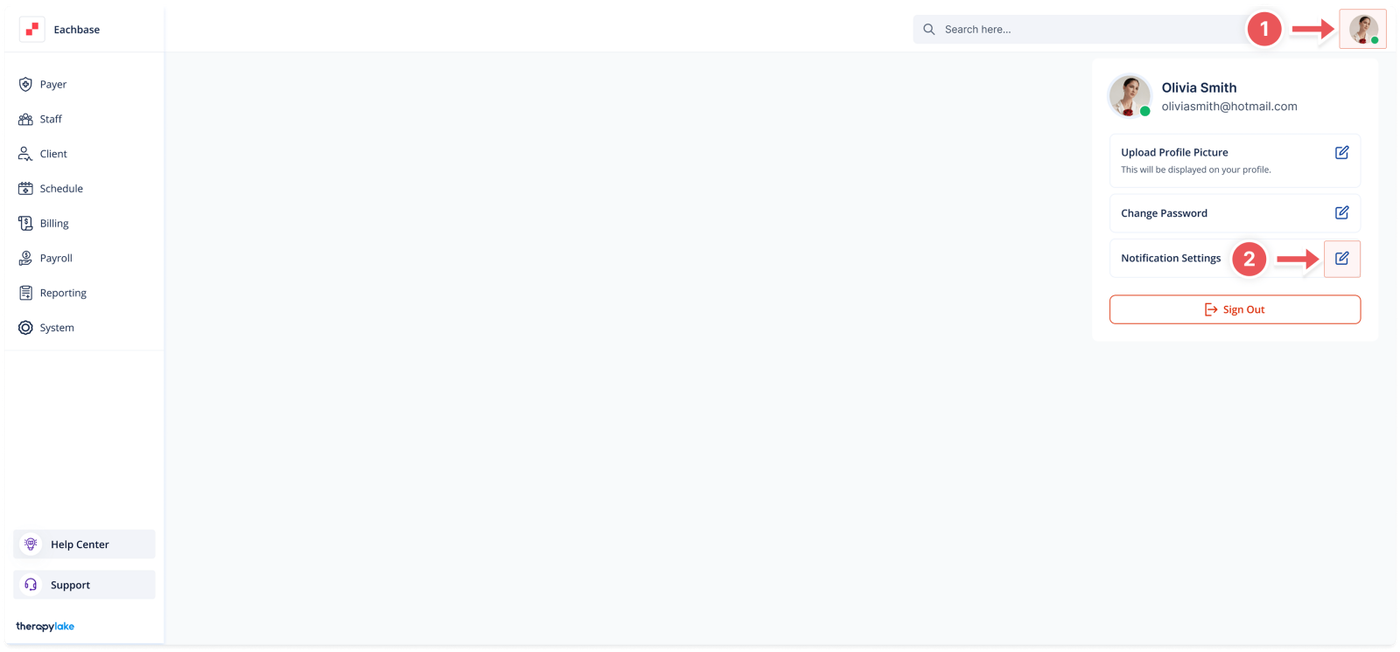
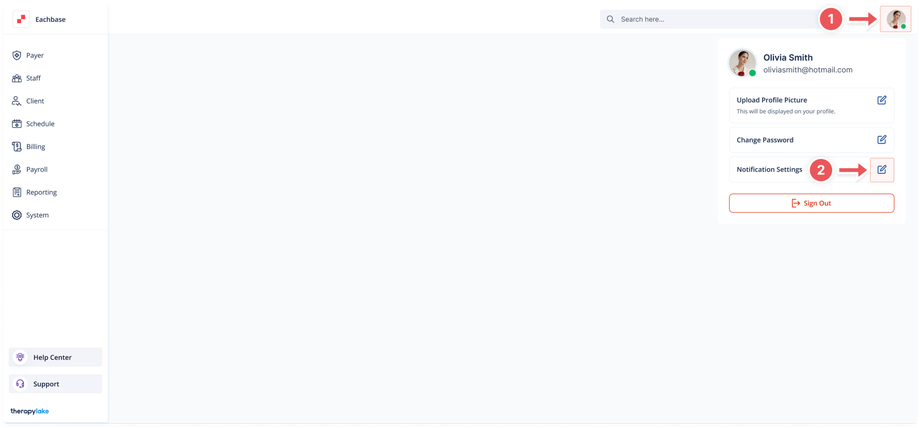
1. Access Profile Settings
-
- Click on the avatar icon in the top-right corner of the screen.
2. Open Notification Settings Pop-up window
-
- In the dropdown that appears, click on the "Notification Settings" button.
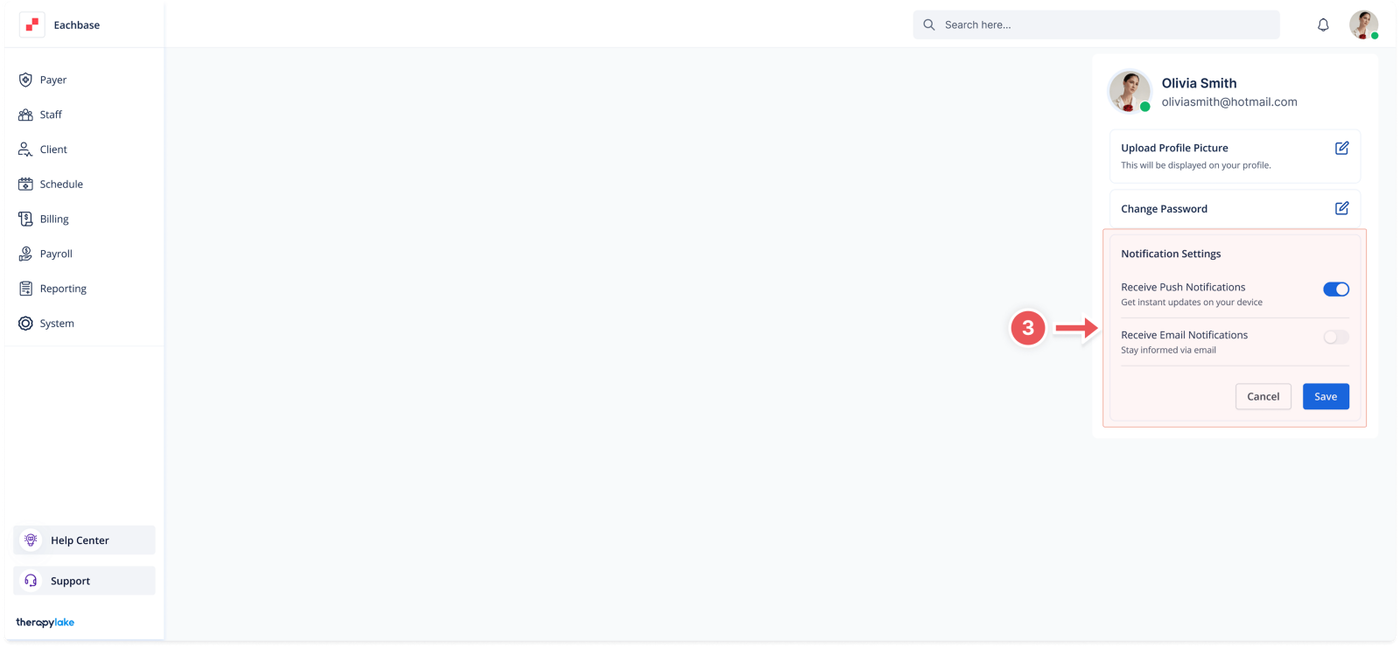
3. Adjust Notification Preferences
-
- Toggle the "Receive Push Notifications" switch to enable or disable push notifications on your device.
- Toggle the "Receive Email Notifications" switch to enable or disable email notifications.
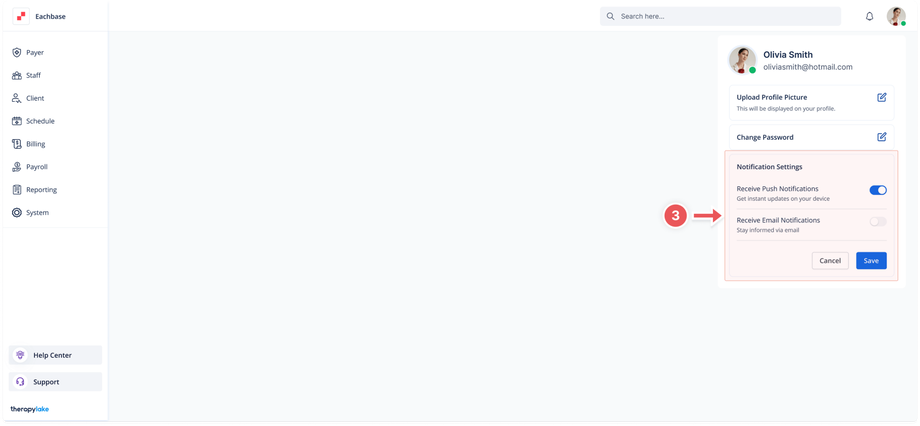
4. Save the Changes
-
- Click the "Save" button to apply your new notification preferences.
5. Completion
-
- Your notification settings will now be updated according to your preferences.
Was this article helpful?