Adding Staff Members
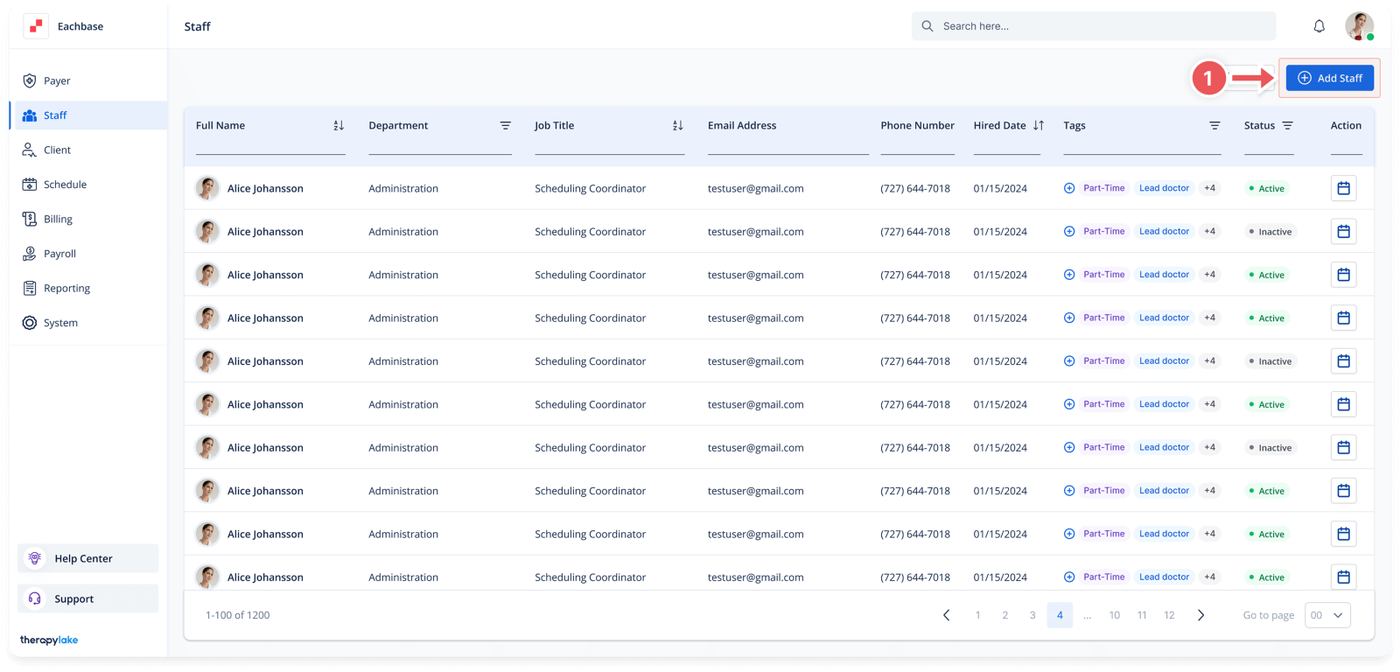
1. Access the Staff Section
-
- Go to the > Staff section in the left pane.
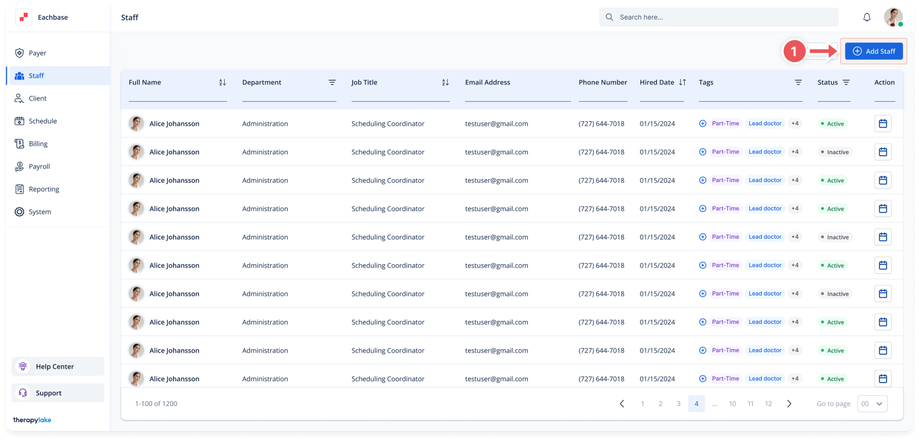
2. Add a New Staff Member
-
- Click on the blue + Add Staff Member button at the top right of the page.
3. Fill in the General Information
-
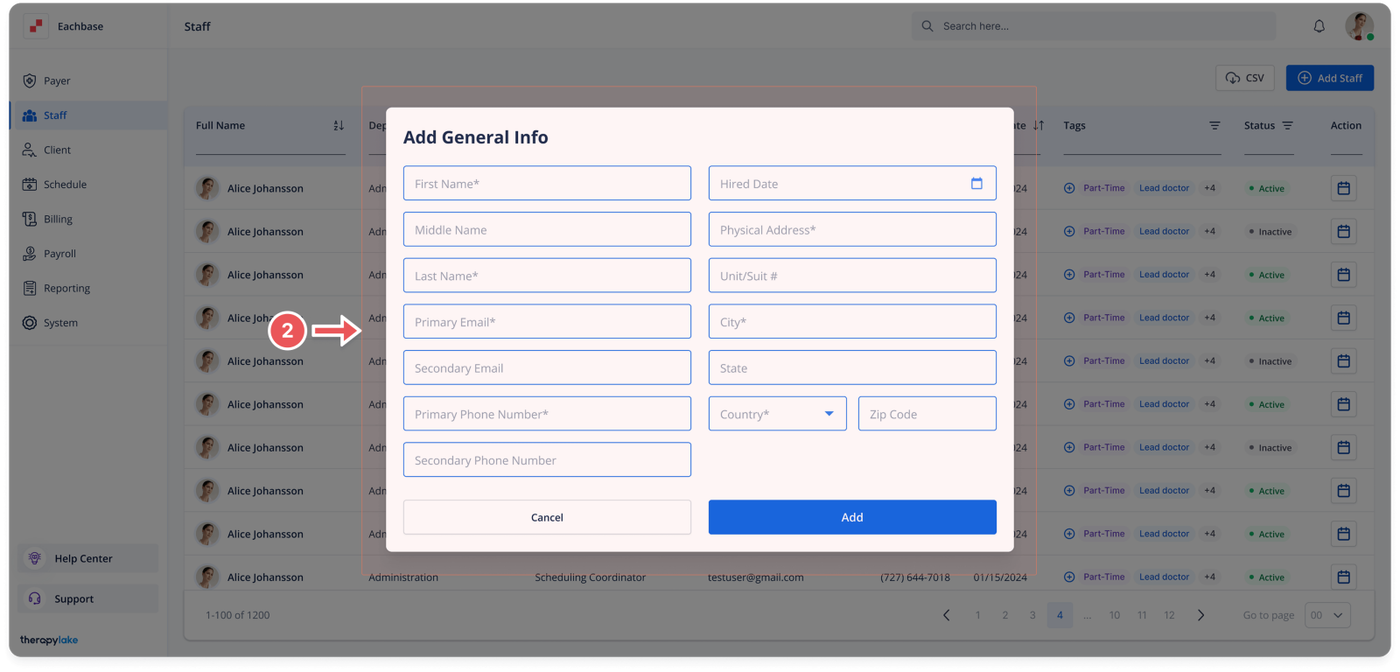
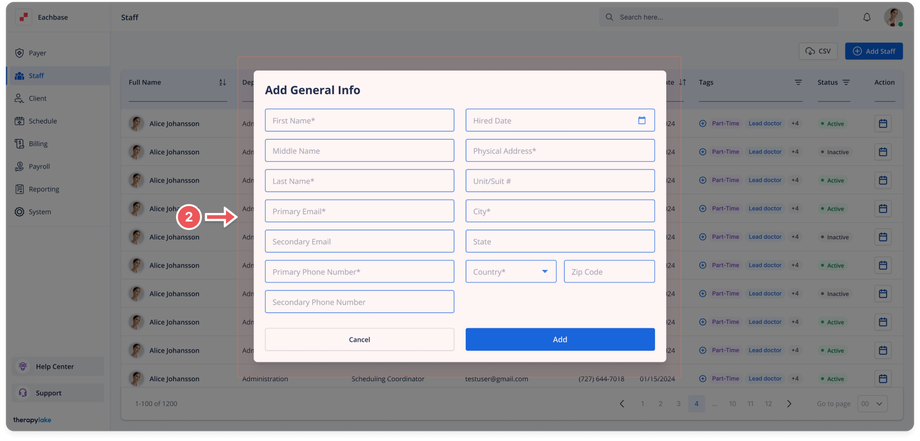
- The Add General Info pop-up window will appear. Fill in the required fields.
- First Name
- Middle Name
- Last Name
- Primary Email
- Secondary Email
- Primary Phone Number
- Secondary Phone Number
- Hired Date
- Physical Address
- Unit/Suite #
4. Save the Staff Member:
-
- Click the Add button at the bottom right of the pop-up window.
5. View the New Staff Member
-
- The newly added staff member will appear in the staff table.
Was this article helpful?