Creating Credentials
1. Navigate to System
-
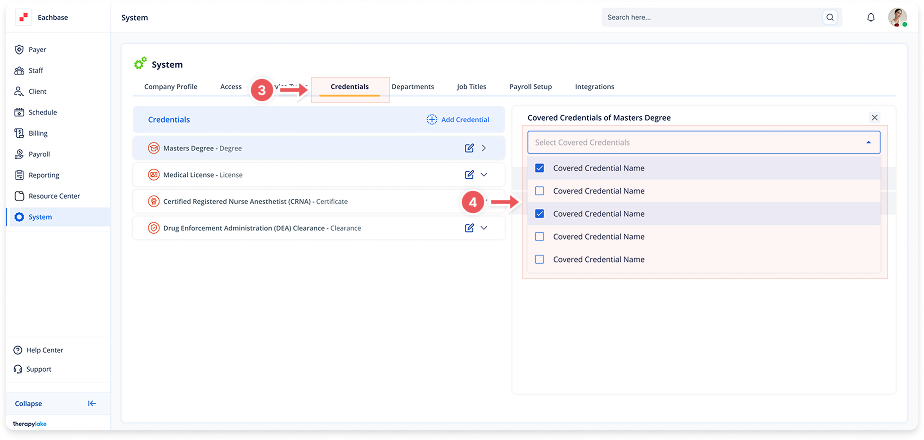
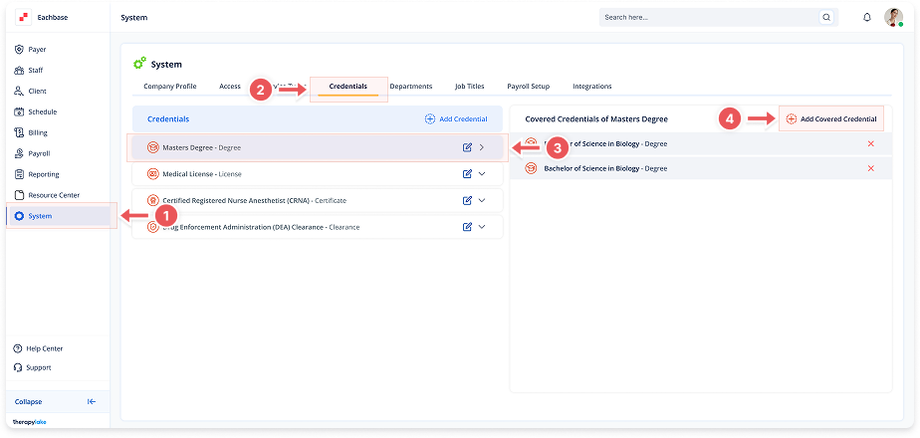
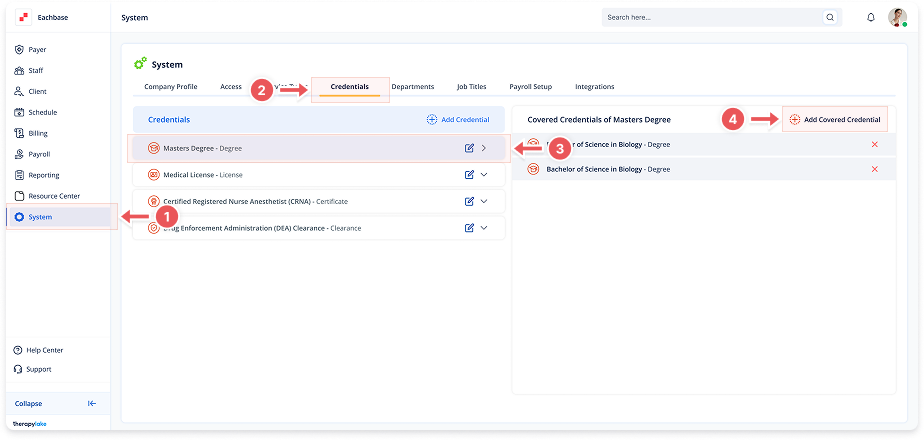
Go to the left pane and click > System.
2. Navigate to Credentials Tab
-
Click on the Credentials tab at the top of the page.
3. Add a New Credential
-
Click the + Add Credentials button on the left table.
4. Enter Credential Details
-
Credential Name: Enter the name (e.g., "Registered Behavior Technician", "Licensed Behavior Analyst")
-
Credential Type: Select from dropdown:
-
Degree: BA/BS, MA/MS
-
Clearance: RBT
-
License: LBA, LCSW
-
5. Complete Creation
-
Click Add to save the credential.
-
The new credential will appear in the left table.