Downloading the 1500 Form for a Completed Claim
1. Navigate to Completed Claims
-
Go to the left sidebar and click on Billing > Completed Claims.
-
From the Completed Claims list, click a Claim ID to open the details.
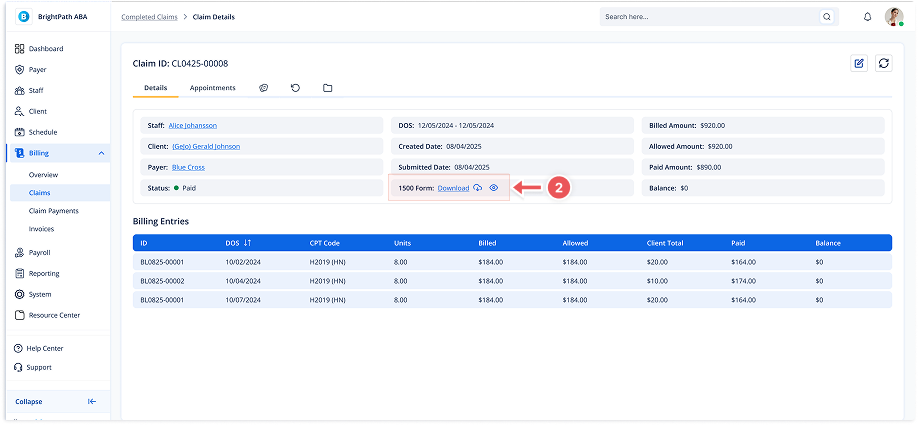
2. Download the Form
-
On the details page, find the 1500 Form section.
-
Click Download to export the completed form.