Editing Staff Credentials
1. Access the Staff Section
-
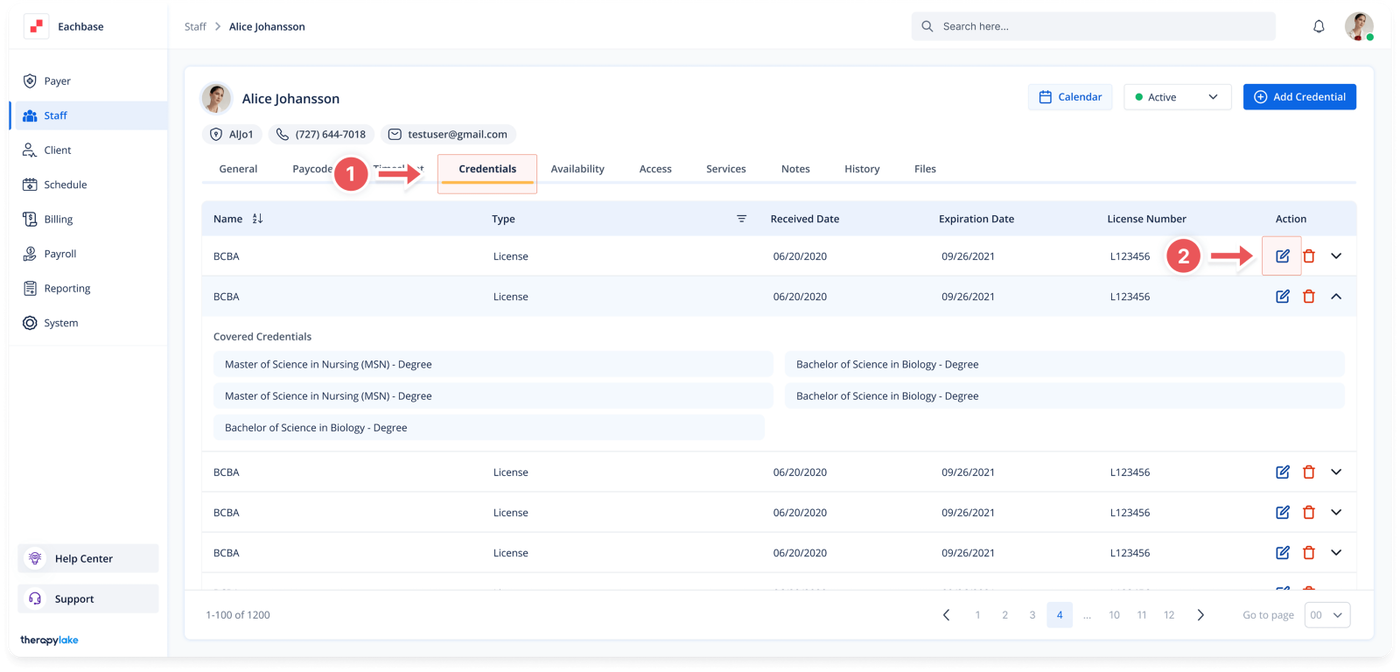
- Go to the > Staff section in the left panel.
2. Select the Staff Member
-
- Choose the staff member whose credentials you want to edit.
3. Navigate to the Credentials Tab
-
- Click on the Credentials tab at the top of the page.
4. Edit the Credential
-
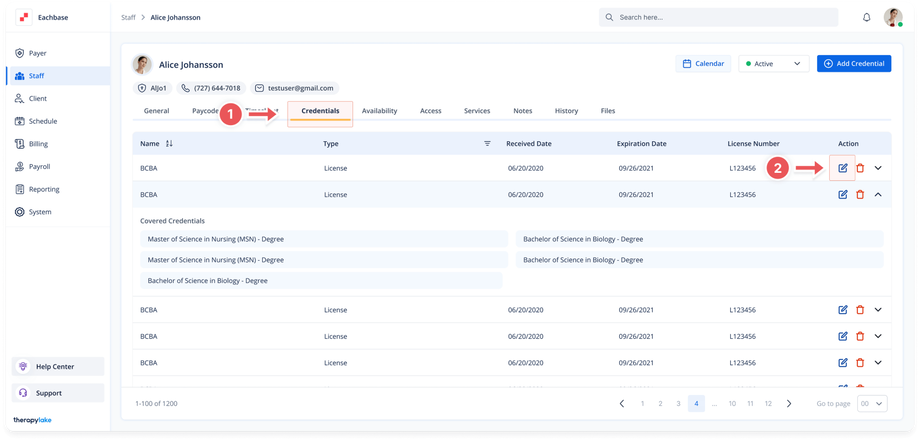
- Click on the blue pencil icon next to the credential you wish to edit.
5. Update Credential Information
-
- Make changes to the credential fields as needed in the Edit Credential pop-up window.
6. Save Changes
-
- Click Save to apply the changes.
Was this article helpful?