Adding Staff Timesheets (Fixed Pay)
1. Access the Staff Section
-
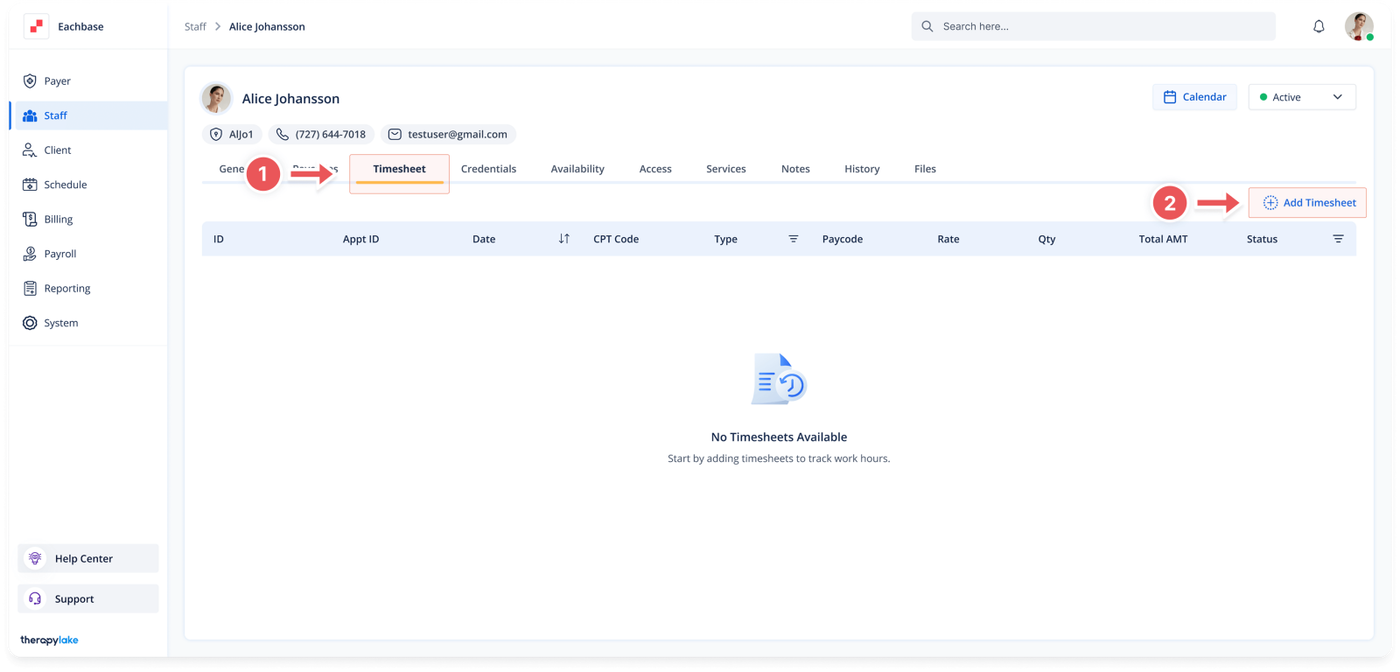
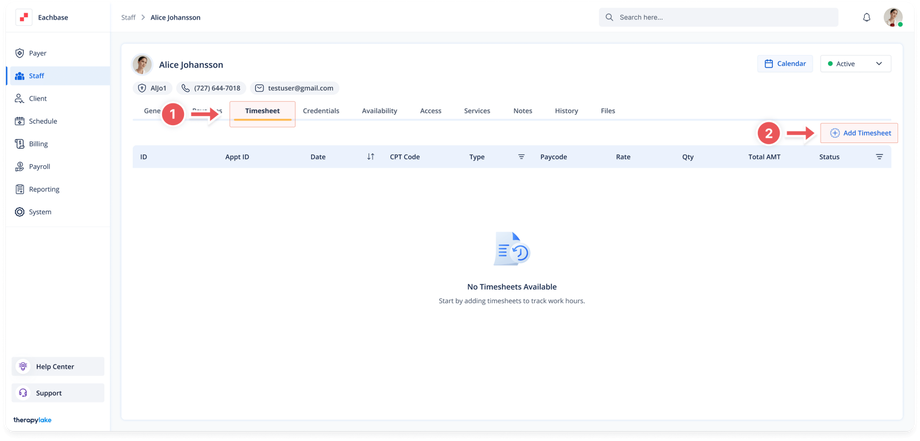
- Go to the > Staff section in the left panel.
2. Select the Staff Member
-
- Choose the staff member for whom you would like to add timesheets.
3. Navigate to the Timesheet Tab
-
- Click on the Timesheet tab at the top of the page.
4. Add a New Timesheet
-
- Click on the + Add Timesheet button located above the table on the right side.
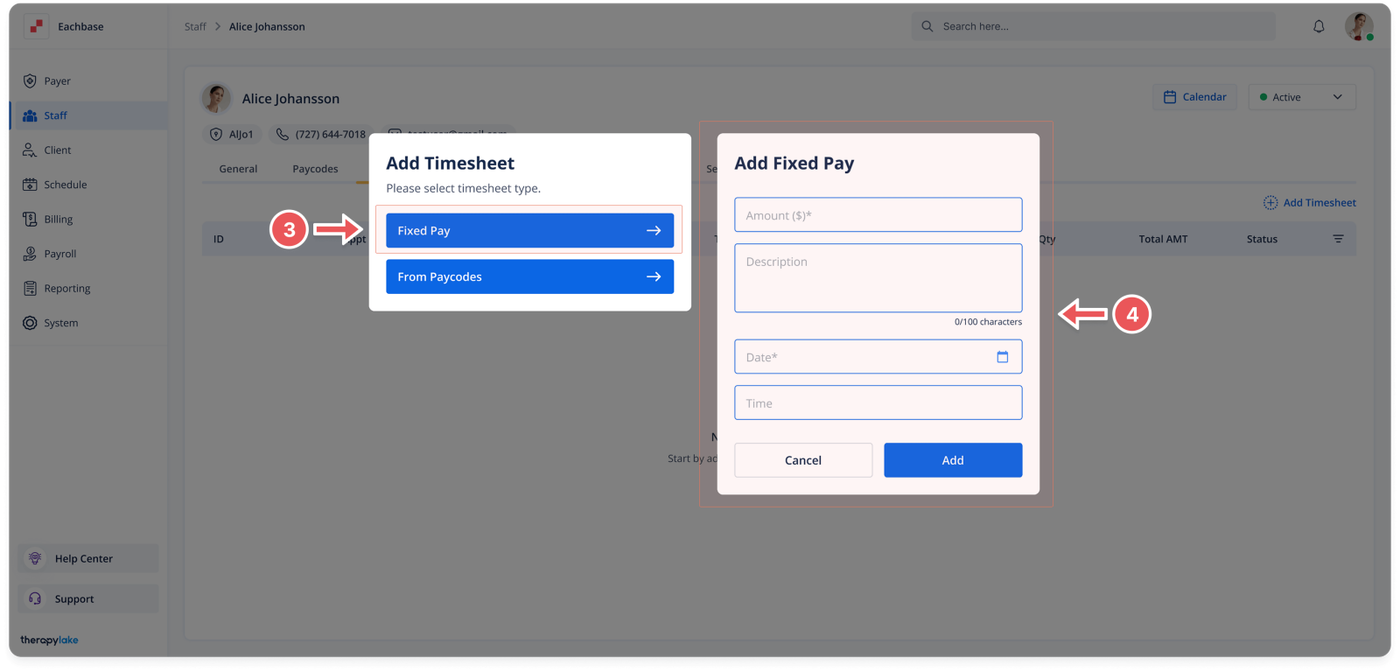
- The Add Timesheet pop-up window will appear.
5. Choose Timesheet Fixed Pay
-
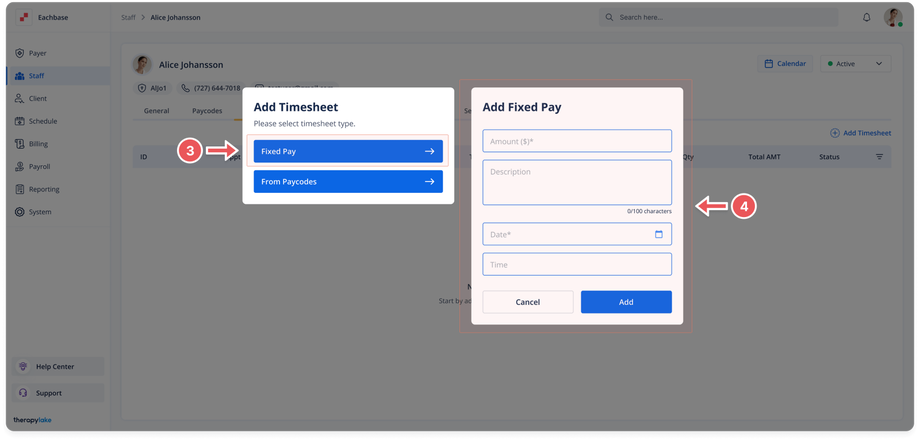
- Select Fixed Pay to add a timesheet.
6. Fill in the Timesheet Details (Fixed Pay)
-
- The Add Fixed Pay Timesheet pop-up window will appear. Fill in the following fields:
- Amount ($): Enter the fixed amount to be paid.
- Description: Enter a description for the timesheet entry.
- Timesheet Date: Enter the date the staff member worked.
7. Save the Timesheet
-
- Click Add at the bottom right of the pop-up window.
8. View the New Timesheet
-
- The newly added timesheet will appear in the timesheet table for the selected staff member.
Was this article helpful?