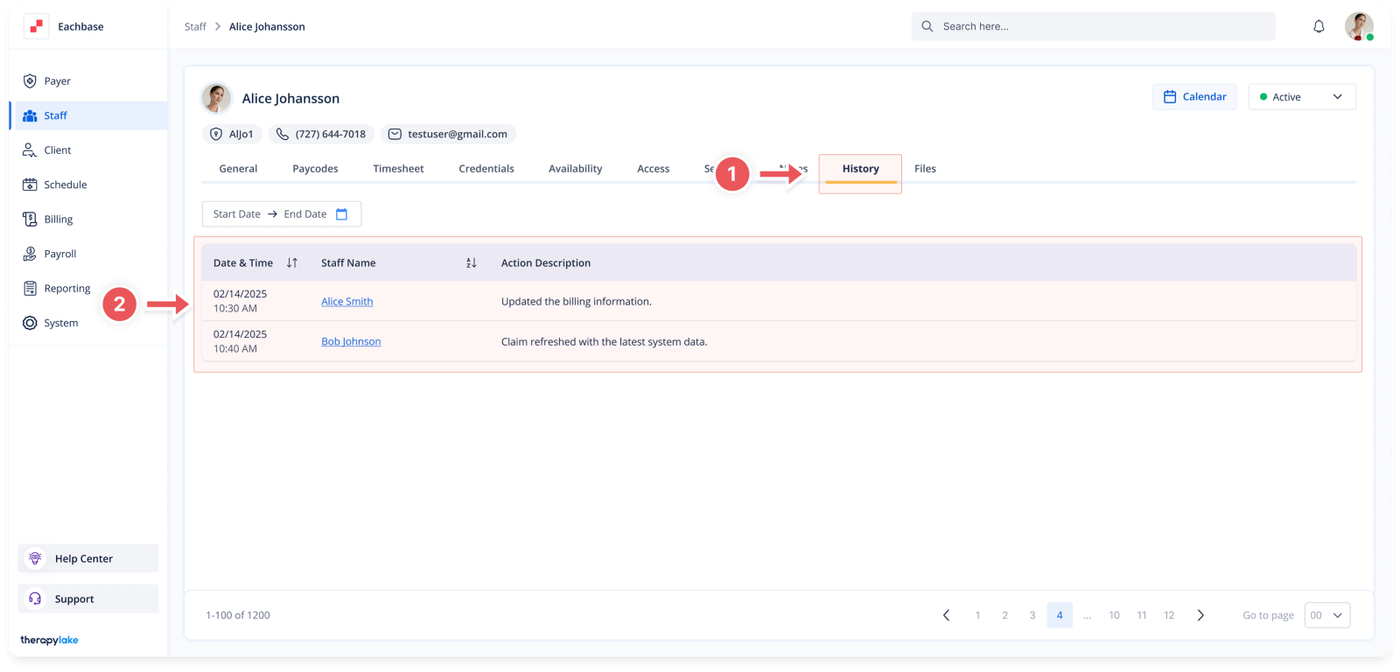
Choose the staff member for whom you would like to view the change history.
3. Navigate to the History Tab
Click on the History tab at the top of the page.
4. View Change History
Review the history of changes made to the staff member's profile, including edits to information, role changes, added or removed credentials, and other modifications.