Deleting Staff Credentials
1. Access the Staff Section
-
- Go to the > Staff section in the left panel.
2. Select the Staff Member
-
- Choose the staff member whose credentials you want to delete.
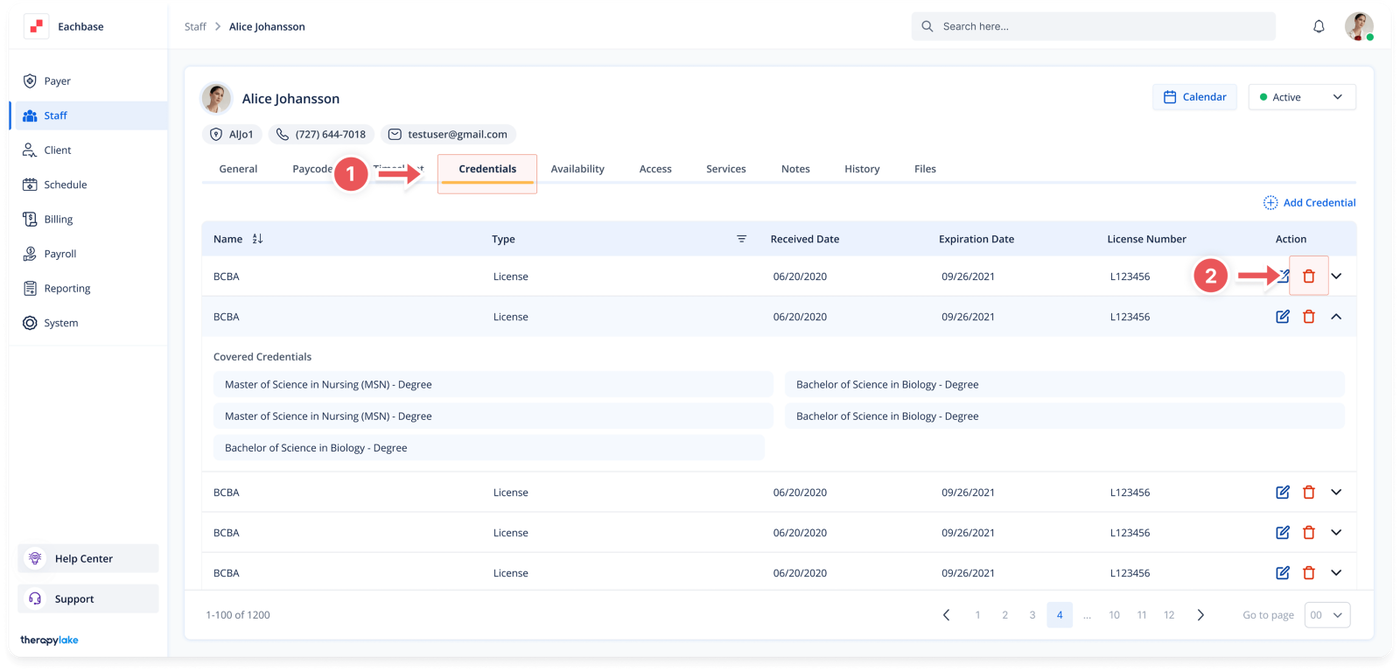
3. Navigate to the Credentials Tab
-
- Click on the Credentials tab at the top of the page.
4. View Credentials
-
- Click on the red trashcan icon next to the credential you wish to delete.